Skip to content
OmeetCam logoOmeetCamStart

One on one · both cameras · adults 18+

OmeetCam:1on1 cam to camwith real people you pick

One person on the other side, both cameras on. Let the match button pair you at random, or browse profiles, filter by language and call the woman you want to talk to.

No sign-up form to match · camera asked on the match screen

Lala from Syria on a one on one cam callLala🇸🇾 Syria

or pick her yourself

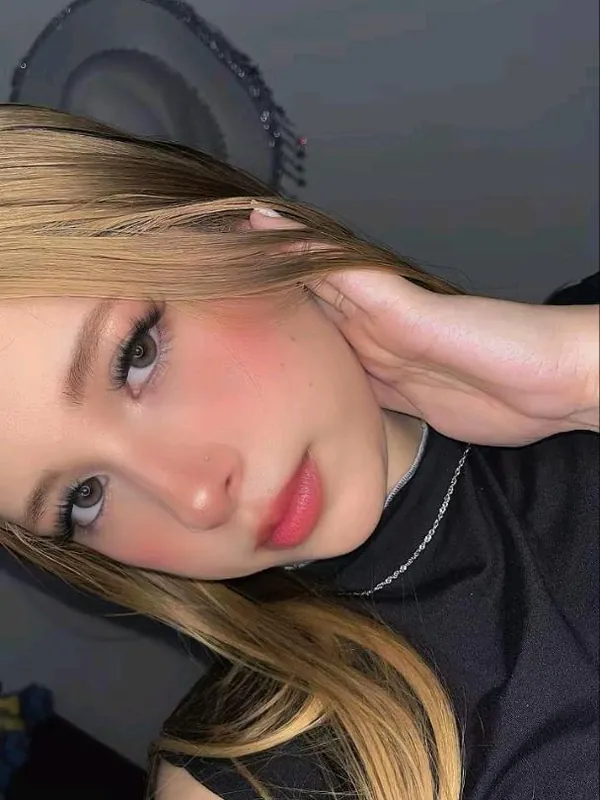
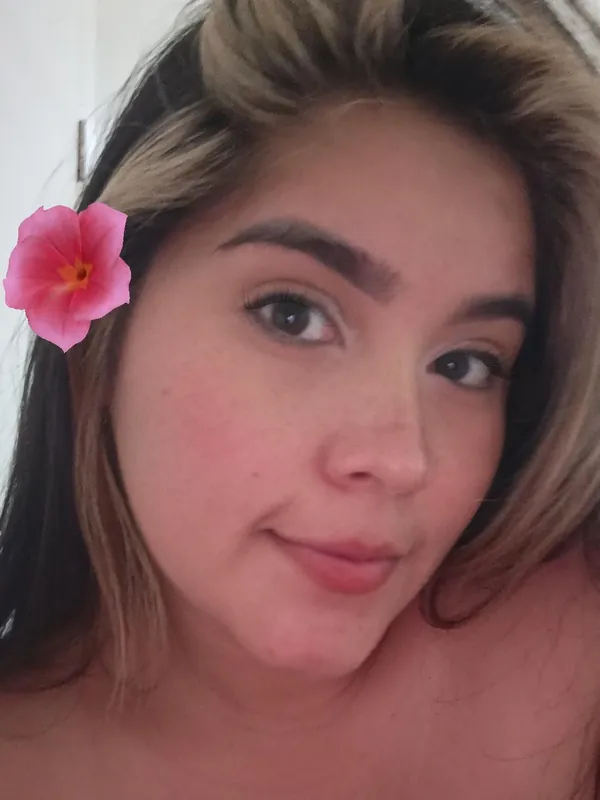
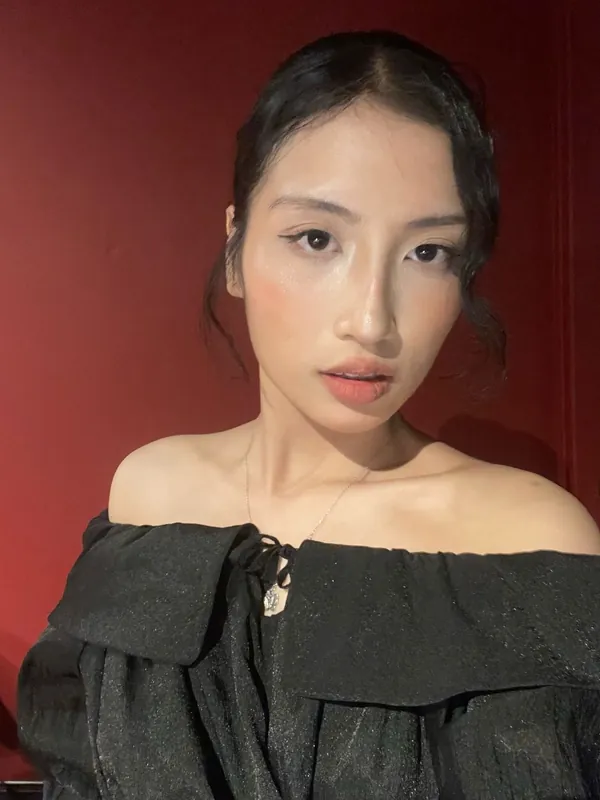
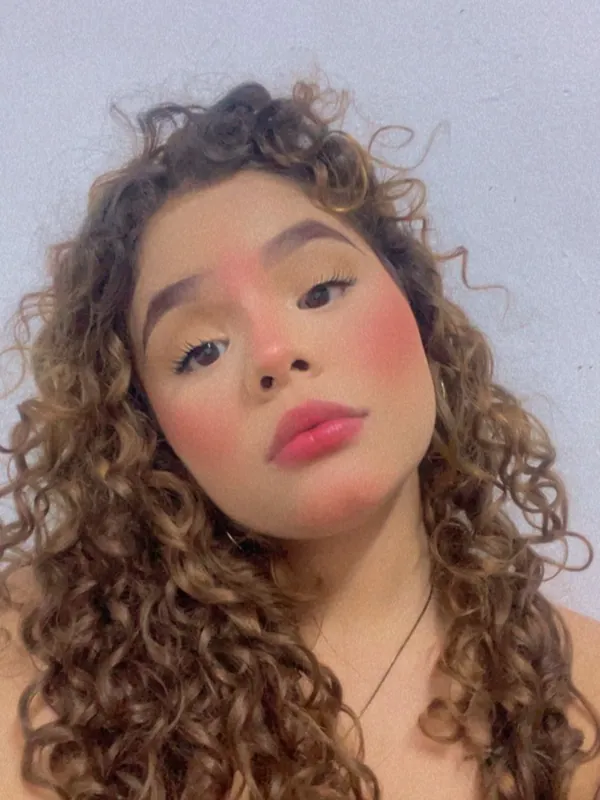
Michi, ColombiaRosita, VenezuelaDani, ColombiaRuby, Syria
  • 1on1one person every call
  • 2 camsyours and theirs, both on
  • 3 modesvideo, audio or text
  • 18+adults only

What is a 1on1 cam, and what makes it cam to cam?

A 1on1 cam is a video call between exactly two people: you and whoever picked up, with no audience and no chat box of strangers scrolling down the side of the screen.

Cam to cam means both cameras are on. You see her, she sees you, and the call feels like sitting across a table rather than watching a screen. People write it a dozen ways (1 on 1 cam, 1v1 cam, cam2cam, cam 2 cam, camtocam) and they all mean the same thing. OmeetCam only does that one format.

Most cam sites are built around a broadcast, where one person performs, a lot of people watch and a few of them tip. A one on one cam is built around a conversation, and since there is nobody else to perform for, the pace slows down and it gets personal fairly quickly. Some calls are over in thirty seconds, and some run past an hour.


1on1 Cam Match: Cam to Cam With Real People

You can get into a call two ways, and you can switch between them whenever you like.

Let the cam match decide

Tap Start and OmeetCam pairs you with one person. If you click, keep talking. If you don’t, tap Next and someone new appears.

No form to fill in first; a guest seat is already waiting for you when the page opens.

Start matching

Choose who you call

Prefer to know who picks up? Browse the profiles. Filter by the language you want to speak, look at photos and short clips, check her country and age, then press Video Chat.

Calling a chosen profile asks you to sign in first. Random matching doesn’t.

Browse profiles

If you come from random chat sites, the second way is the one you won’t have seen before. Random is fun when you want somebody new, but after you have met someone you liked, you can open her profile again and call her back, which a random cam chat never lets you do.

How OmeetCam Works

Getting from this page to a face on your screen takes about four taps, and none of them is a sign-up form.

  1. Tap Start a 1on1 cam

    You land on the match screen. A guest account is created quietly in the background, so there is no email, password or username to choose before your first call.

  2. Pick Video, Audio or Text, then allow camera and mic

    Video is full cam to cam, Audio keeps your camera off, and Text is there for warming up. The browser asks for camera and microphone here, on the match screen, and only for the modes that need them.

  3. Talk, or tap Next

    You are connected to one person, so say hi. If it isn’t working, Next brings up the next match, and hanging up ends the call.

  4. Found someone you like? Call her back

    Sign in, follow her profile, send a message or start a video call directly. Calls use coins from your wallet. You top up inside the app when you want to, never before you have tried it.

Try step one now

Real people on the other camera

These are a few of the women you can meet on OmeetCam, shown with the names they chose, their real countries and photos from their own profiles. Swipe the row, then go and say hi to someone.

Everyone you meet is an adult, and anyone can be reported from the call or from their profile.

Cam chat with one person instead of a room

Search for cam chat and you mostly land in group rooms, because that is the format the biggest sites run on. If it never quite worked for you, these are the places where one on one is different.

Group cam room1on1 cam on OmeetCam
Who is in the callOne broadcaster and an audienceYou and one other person
Your cameraUsually off; you typeOn, cam to cam (or audio / text if you choose)
Her attentionSplit across the roomEntirely on your conversation
How you find someoneScroll a grid of roomsRandom match, or pick a profile by language
LeavingClose the tabTap Next or hang up
PayingTips, often to be noticedCoins for your own call time; starting is free

If you enjoy watching and dropping a comment now and then, a group room is the right tool. If you want somebody to actually answer you, use your name and remember what you said five minutes ago, you want a 1on1 cam. We compared the main options side by side in our guide to the best cam sites of 2026.

One on one video chat is one of three ways to talk

Video

The full 1 on 1 video chat, with both cameras on and both faces on screen. Most people pick this one.

Audio

Your voice, her voice, no picture. Good for late nights, bad hair days, or when you are not in a camera mood but still want to talk to someone.

Text

Typed chat with one match, handy on a train or anywhere you can’t talk out loud.

You choose the mode on the match screen before each round, so switching from text to cam to cam later is a tap, not a new account.

A first cam to cam chat, minute by minute

0:00

You tap Start, the browser asks whether OmeetCam can use your camera, and you allow it.

0:05

Her video fills the left side of the screen and yours sits beside it, slightly too dark because the lamp is behind you, which is the single most common mistake on any cam to cam chat and the easiest one to fix.

0:20

She says hi and asks where you are from. Answer with the city, not the street. Ask her the same back, and ask what time it is there, because the answer is usually more interesting than you expect.

2:00

By now you can usually tell whether the conversation is going anywhere.

2:01

If it isn’t, tap Next, the same way she would if it weren’t working for her. If it is, keep going, and before you hang up, follow her profile so you can find her again tomorrow without hoping the random match lands on her twice.

later

Match, talk, and keep the people you like. Free cam to cam sites tend to stop at the first step, which is why so many of them feel like an endless queue of faces.

Age checks, reporting and blocking

It is adults only, leaving a call takes one tap, and so does reporting someone.

  • 18+ check before the app. OmeetCam asks your age before you reach matching, profiles or calls. Say no and you go back to the homepage.
  • Report from inside the call. Rude, underage, pushing you to pay outside the app: report it from the call or the profile and add a line about what happened.
  • Block anyone. Somebody you never want to hear from again is gone with one tap, and you don’t have to give a reason.
  • Your camera, your call. Nothing turns on until you are on the match screen, and Audio and Text modes keep your face out of it entirely.

On any cam chat, most privacy slips come from the room behind you: mail on the desk, a uniform on the door, a window with a street view. Keep those out of frame, and don’t hand out your full name or social accounts in the first call. We wrote the rest down in our cam chat privacy tips, and the rules every member agrees to are in the community guidelines.

Who uses a 1v1 cam like this

Random chat refugees

You liked the surprise of meeting strangers on camera. You did not like that every second match was a blank screen or somebody who skipped you instantly. One on one with a real woman fixes most of that.

Language learners

Filter profiles by Spanish, Portuguese, Arabic, Vietnamese or French and practise with a native speaker. Nobody minds a slow sentence.

Night owls

It is 2 a.m., everyone you know is asleep, and somewhere it is the middle of the evening. Match with whoever is around.

People who hate an audience

Group rooms make some of us freeze. In a 1on1 cam there is nobody watching but the person you are talking to.

What’s free, and what costs coins

People search for free cam to cam more than anything else in this category, and on most sites it doesn’t mean what it says. On OmeetCam, getting in and looking around costs nothing, and call time after the free stretch costs coins.

Free

  • Opening the site and the guest account
  • Starting a match, plus the free stretch each match opens with
  • Browsing and filtering profiles
  • Following someone

Coins

  • Call time once the free stretch ends (the call warns you first)
  • Calling a profile you picked
  • Optional VIP plan

Coin packs and their prices are listed in the wallet inside the app, and you only top up when you decide to. Opening this page costs nothing; neither does skipping a match before the free stretch runs out. Looking for a live cam with women specifically? Live cam girls on OmeetCam explains how those calls work. Some people type it as one word, livecam, and it means the same thing.

Cam to cam chat on a phone or a laptop

OmeetCam runs in the browser you already have: Chrome, Safari, Edge, Firefox, on Android, iPhone, Windows or Mac. There is nothing to download from a store and nothing to update.

On a phone, hold it at eye level or lean it against something. Looking up from below is the one angle nobody looks good in. On a laptop, sit facing a window or a lamp so the light falls on your face rather than behind you. If you’re using an external webcam for chat, pick it in the browser’s camera prompt.

Use it a lot? Your browser can add OmeetCam to your home screen, and from then on it opens like any app. For a first call, these cam to cam tips are worth two minutes.

Why OmeetCam is one on one, with cameras on

Text is easy to skim and easy to ignore, a voice is better, and a face is better still, because you can see someone laugh before they decide whether to. Cam meet sites figured this out years ago, and then most of them filled the screen with strangers, filters and tip menus.

OmeetCam keeps it to one camera on each side and a button to leave. The name is a small joke on that: o-meet-cam, meet on cam. If you’ve been looking for a meet cam 1v1 site that stays a conversation, OmeetCam was built for that.

Questions about OmeetCam

What is OmeetCam?

OmeetCam is a one on one cam chat that runs in your browser. Each call is you and one other person with both cameras on. You can let the match button pair you at random, or browse profiles and call someone you picked.

Can I do cam to cam with no sign up?

Yes for random matching. When you open OmeetCam a guest account is created for you in the background, so you can tap Start and match without filling in a form. Calling a specific profile, the wallet and some settings ask you to sign in first.

Is OmeetCam free?

It is free to start. Opening the site, browsing profiles and starting a match cost nothing, and a match begins with a free stretch. Before coins are used, the call tells you. Coin packs and an optional VIP plan are listed in the wallet inside the app.

Can I choose who I talk to?

Yes, besides random matching there is a list of profiles you can filter by language. Open a profile to see photos, age, country and the languages she speaks, then tap Video Chat to call her. Direct calls need you to be signed in.

Is it really 1 on 1, or are there other viewers?

It is one on one. A call connects two cameras, yours and the other person’s. There is no room, no audience and no chat feed of strangers watching.

What does cam match mean here?

Cam match is the random part of OmeetCam: you tap Start and get paired with one person for a cam to cam call. If the match is not right, tap Next and the next person comes up.

Do I have to turn my camera on?

For a video match, yes, both cameras are on. If you would rather not be seen, pick Audio or Text on the match screen instead. The camera and microphone are only requested there, not when you open the homepage.

Do I need to install an app?

No, OmeetCam works in a mobile or desktop browser. If you use it often, your browser can add it to your home screen so it opens like an app.

Who is on the other side?

Real people, mostly women from Latin America, the Middle East and Southeast Asia. Each profile shows her country and the languages she speaks, and the profile list can be filtered by language, so you can tell before you call if the two of you will understand each other.

How old do I have to be?

You must be 18 or older. OmeetCam asks you to confirm your age before you enter the app, and anyone who appears to be under 18 can be reported from the call screen.

More on OmeetCam

ready when you are

Your camera and one other camera

Start a 1on1 cam to cam chat now. Free to start, adults only, and you can leave whenever you like.

Start a 1on1 cam